
QZ · exam simulator
Practise for the exam with your own questions.
QZ is a practice engine for quizzes and certification exams. It opens with a double click, with no account and no server: bring your own questions and get timed mock exams, a study mode, review and statistics. It is free, and you download it from GitHub.
Inside
What whoever prepares for an exam finds in it
Practising
Many ways to practise
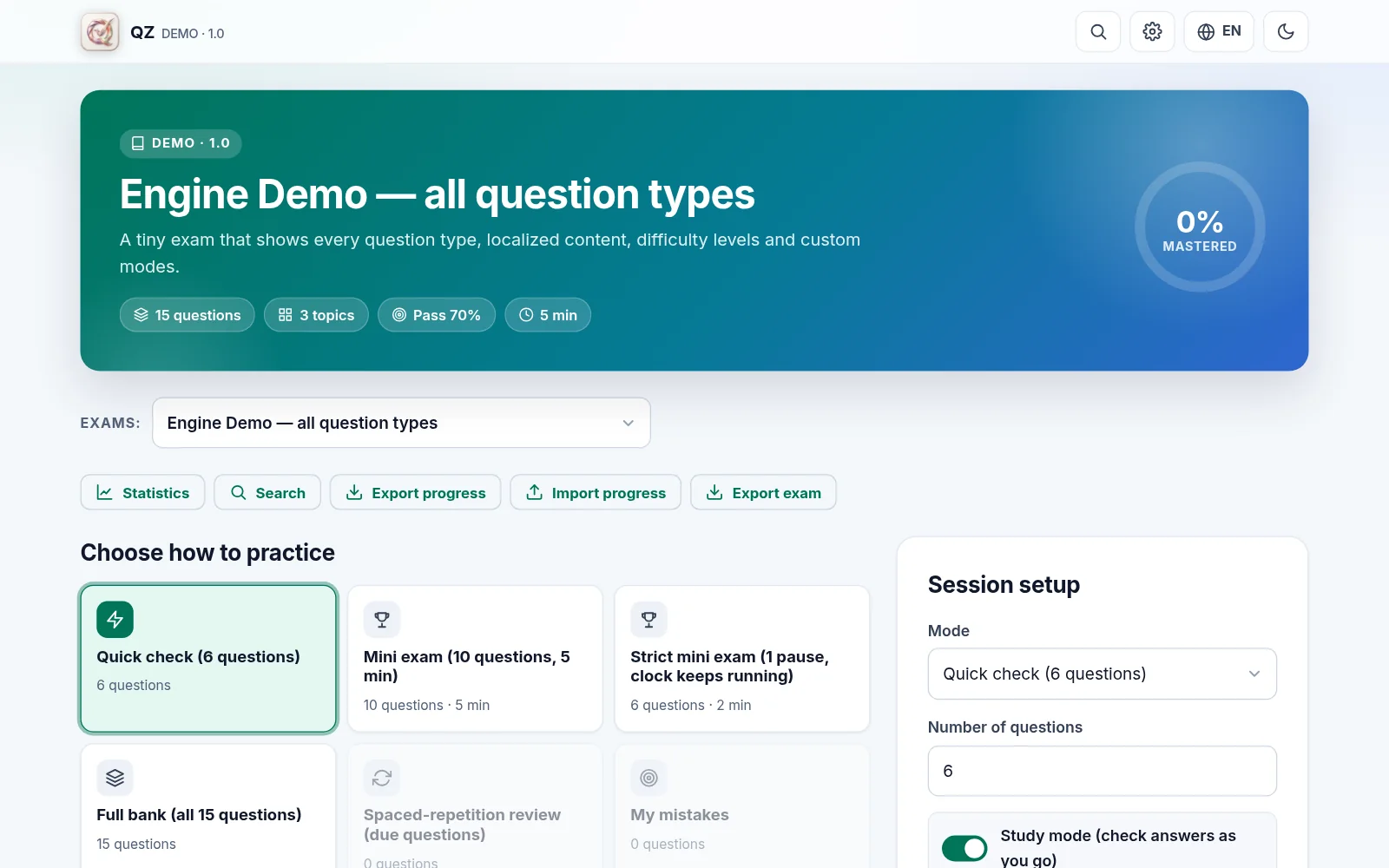
A timed mock exam, the whole question bank, one topic at a time, the questions you got wrong, flagged or never saw. And spaced-repetition review, which brings back what you are about to forget.
- Timed mock exams with a pass mark, in the modes the exam's author defines
- The whole bank, or one topic at a time
- The questions you got wrong, flagged or never saw
- Review by boxes, with intervals of 0, 1, 3, 7 and 21 days
Studying
Every answer, with its explanation
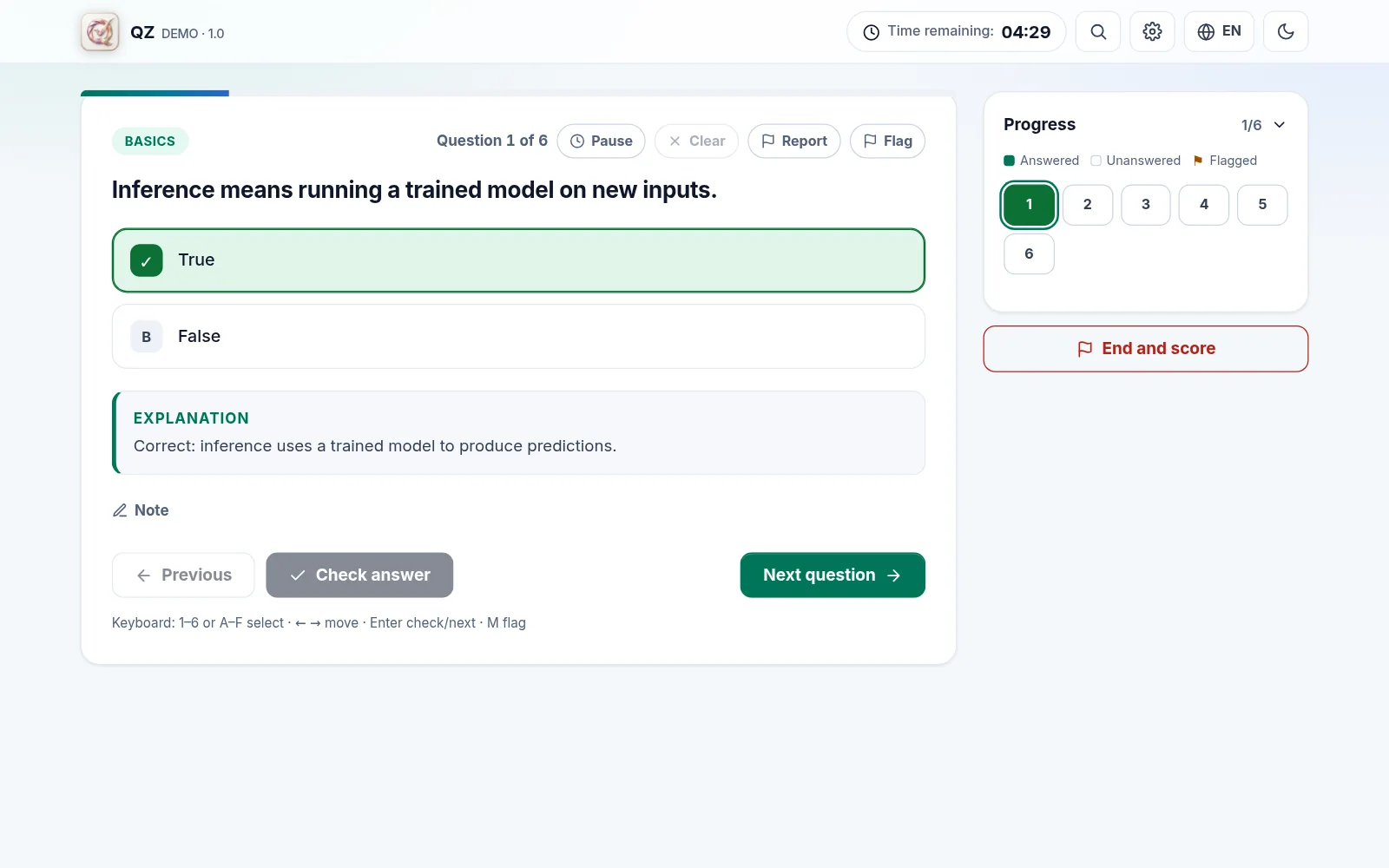
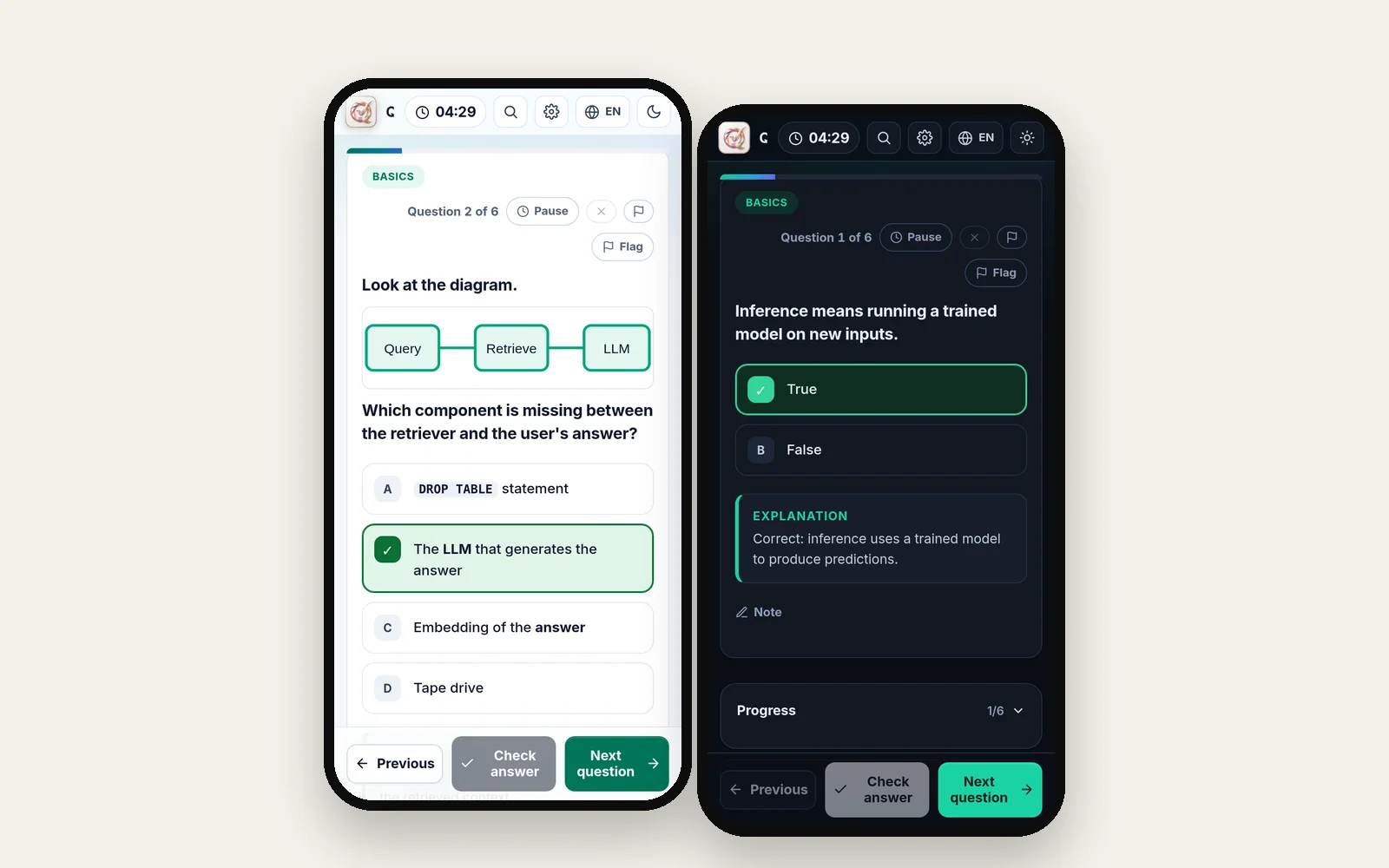
In study mode you check each answer at once and read the explanation. In exam mode you answer freely and review at the end. You can always move between questions, write a note or flag one for later.
- Seven question types: single and multiple choice, true/false, ordering, matching, numeric answers and multi-part scenarios
- Formatted text, code, tables, formulas and images
- Notes and flags on every question, keyboard shortcuts and a command palette
- Sessions save themselves: close the tab and pick up later
Progress
What you already know, and what you do not
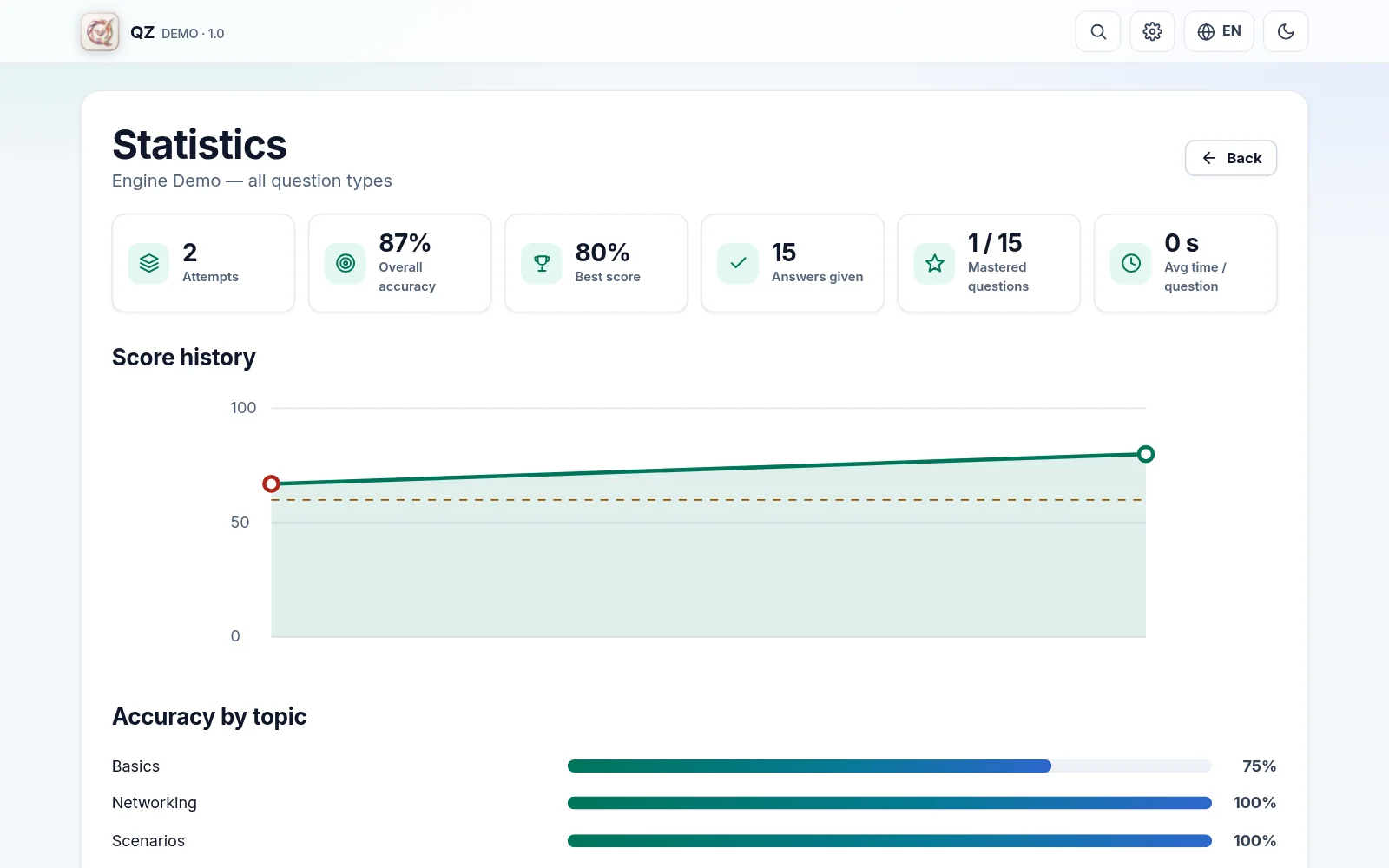
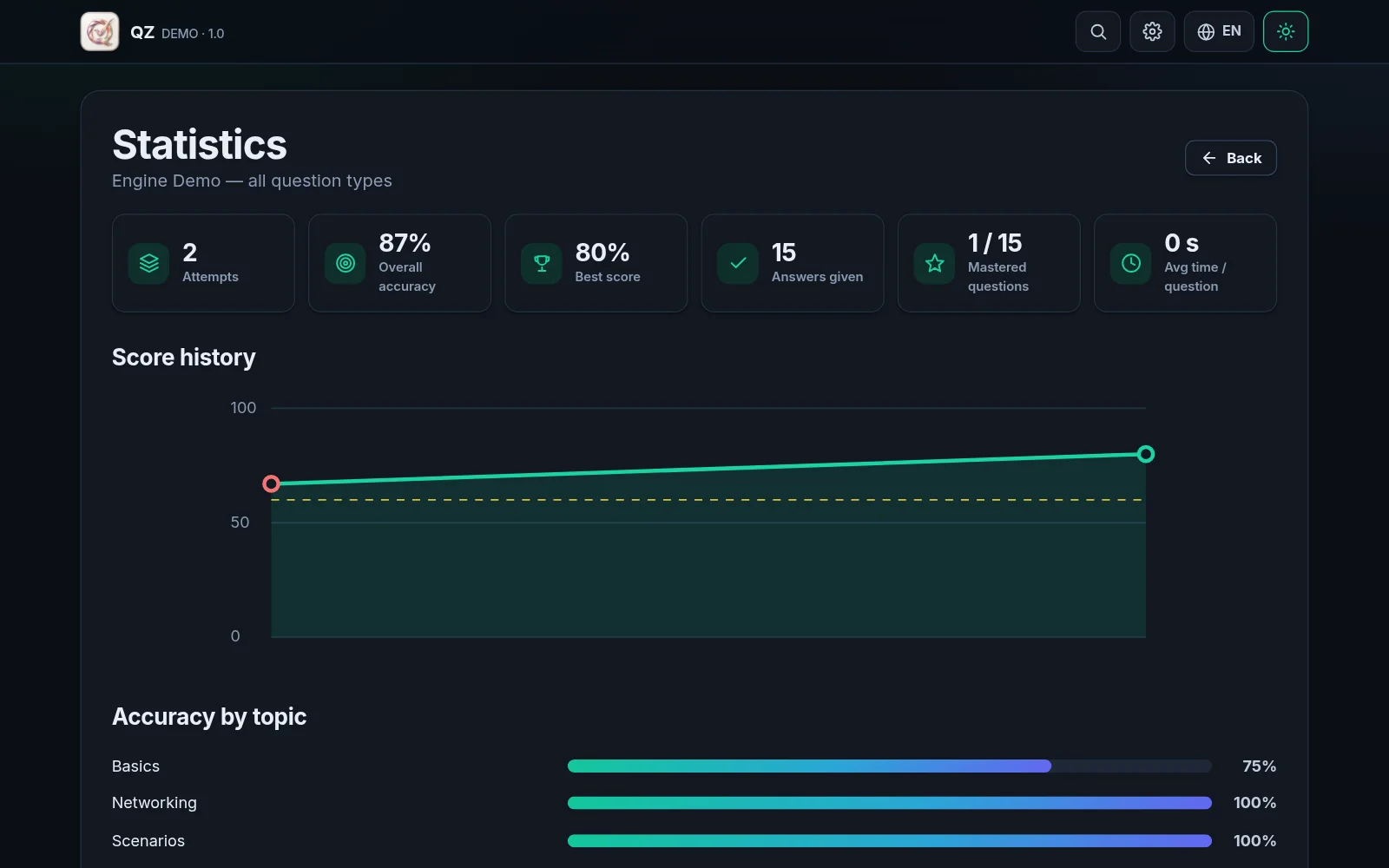
The score history, accuracy per topic, the hardest questions. The result of every session can be reviewed question by question, with the right answer and the explanation.
- Score history and accuracy per topic
- The hardest questions, highlighted
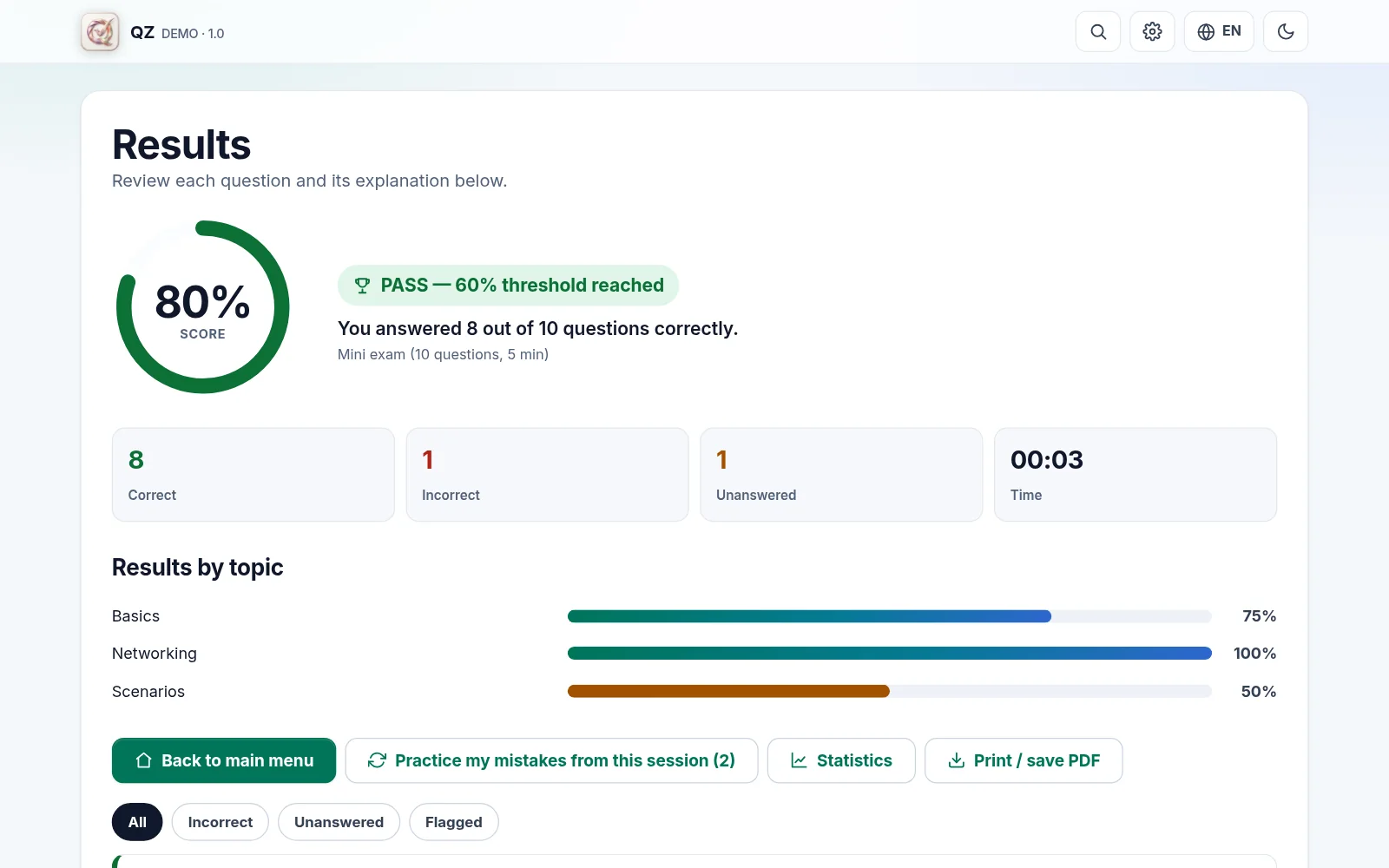
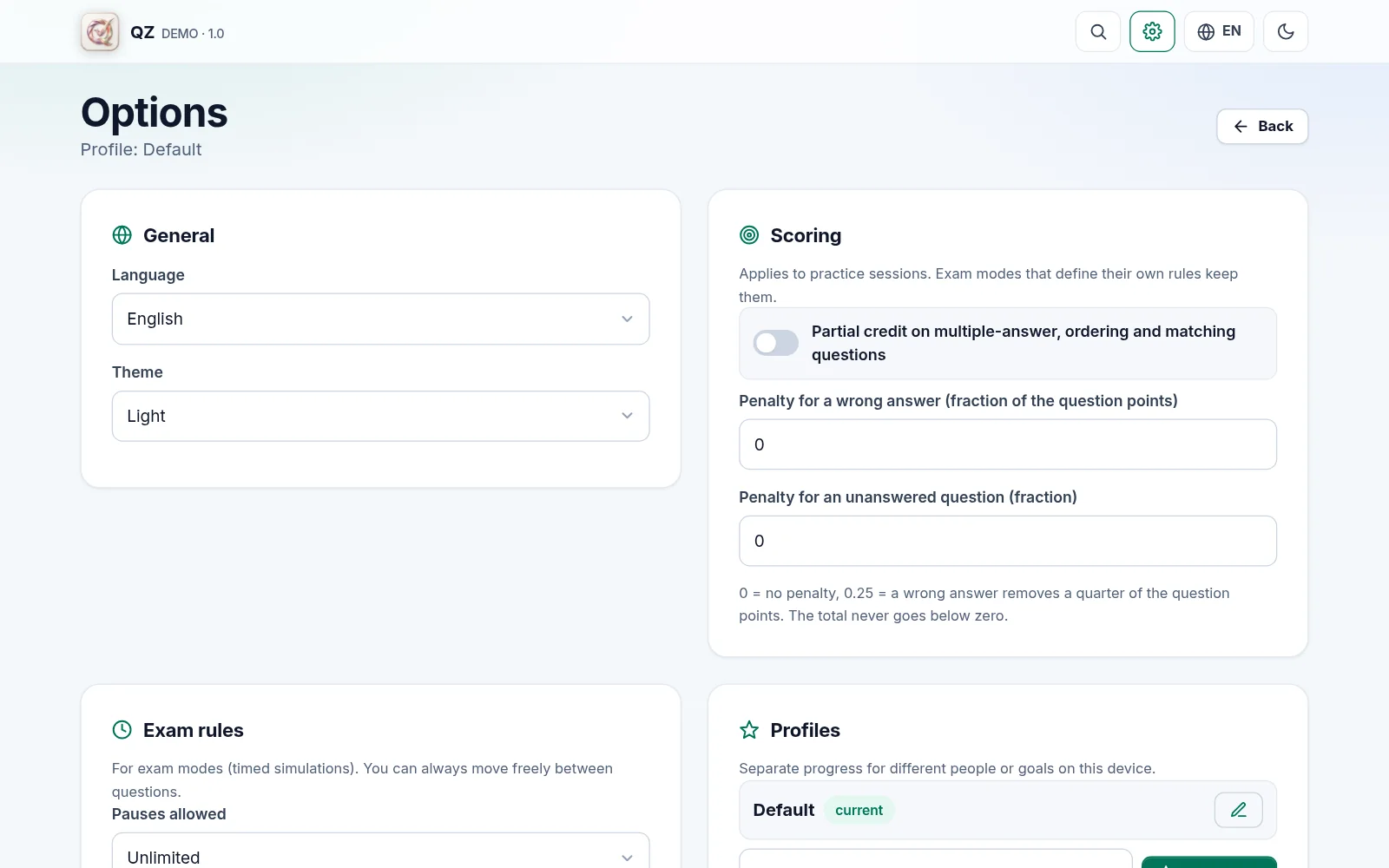
- Partial credit and penalties for wrong answers, when the exam defines them
- A result you can print or save as PDF
Your data
They stay on your device
Questions, answers, notes and statistics are saved in your browser. Nothing is sent unless you decide it: to change device there is a backup file, a transfer code or a private GitHub Gist.
- No account, no server of ours, no tracking
- Several profiles on one device, each with its own progress
- Backup, transfer code or Gist: all three optional
- Your exams can be exported as .exam, CSV, Markdown or Anki cards
Your answers do not leave. They stay where you gave them.
QZ has no server to send them to. What you type, your scores and your notes live in your device's browser, and until you press a sync button yourself they go nowhere.
Requirements
How it is put to work
A browser
You open exam.html and that is it. Chrome and Edge also remember the folder your exams are in.
Nothing to install
A single HTML file: no server, no package manager, no runtime dependencies.
It works from a phone
It opens in the browser and can be installed as an app, even offline.
Download
Download QZ and three exams to try it
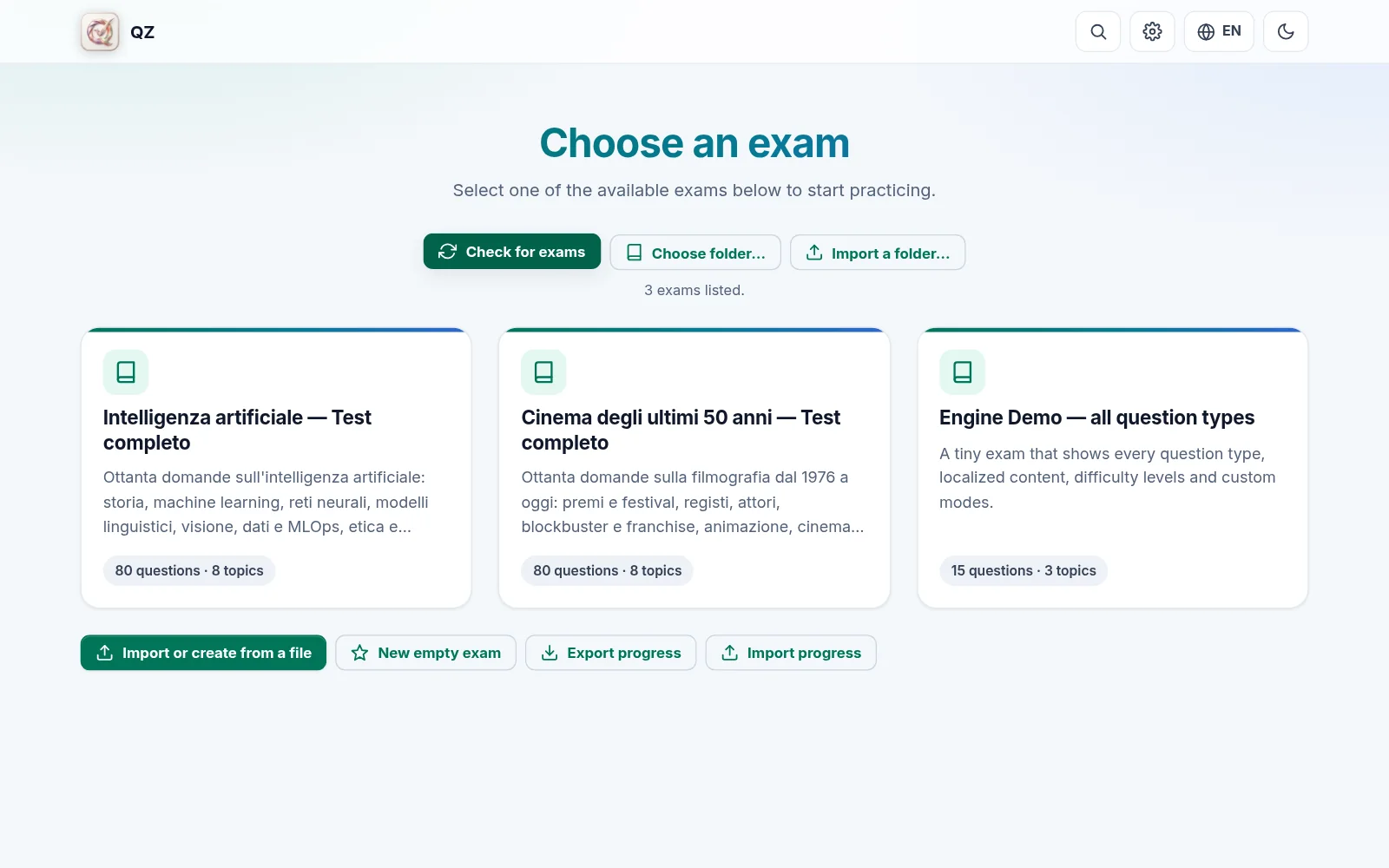
The application is a single file; exams are text files. Put them in the same folder, open exam.html and press “Check for exams”: Chrome and Edge remember the folder.
- Open on GitHub→
The repository on GitHub
The code, the documentation and every exam.
fucc74/ExamSimulator - Download→
The application
A single HTML file: double-click and it runs.
exam.html - Download→
Engine demo
15 questions, 3 topics: shows every question type.
demo.exam - Download→
Cinema of the last 50 years
80 questions, 8 topics: filmography from 1976 to today.
cinema-realtest.exam - Download→
Artificial intelligence
80 questions, 8 topics: from history to language models and ethics.
ai-realtest.exam
The other screens
Images of the running application, with test data.
Frequently asked questions
Is it really free?
Yes. You download it from GitHub, with no payment and no account to create.
How do I start it?
Download the repository, unzip it and double-click exam.html. There is no server, no account and no installation.
Where does my data go?
Into your device's browser. Nothing is sent unless you press a sync button yourself. Clearing the browser data also clears your progress, which is why there is a backup.
Does it work without internet?
Yes. Once downloaded it works without a network, and it can be installed as an app.
How do I bring my own questions?
An exam is a plain text file with the .exam extension. You can write one, or import a .exam, CSV, Markdown or text file: a guided editor shows what was understood and lets you fix problems before saving.
Does it work on a phone?
Yes: it opens in the browser and can be added to the Home screen. The interface adapts to the screen.
Can I move my progress between devices?
Yes, in three optional ways: a backup file, a code you copy and paste, or a private GitHub Gist. Progress is merged, never overwritten.
What language is it in?
The interface is in Italian and English. Questions are in whatever language you write them, and an exam can hold more than one.
An exam is prepared by repeating. This keeps count.
The questions are yours, and so are the sessions. QZ takes care of the timer, the marking, the review and the statistics.
Contact
Write to us
Tell us which product you are interested in and we will reply.