
Kondexa · version 2.61
One administrator, unlimited buildings, a single environment.
Kondexa keeps communications, documents, accounting, tasks and residents in the same place, with a server platform that handles licences, modules and updates.
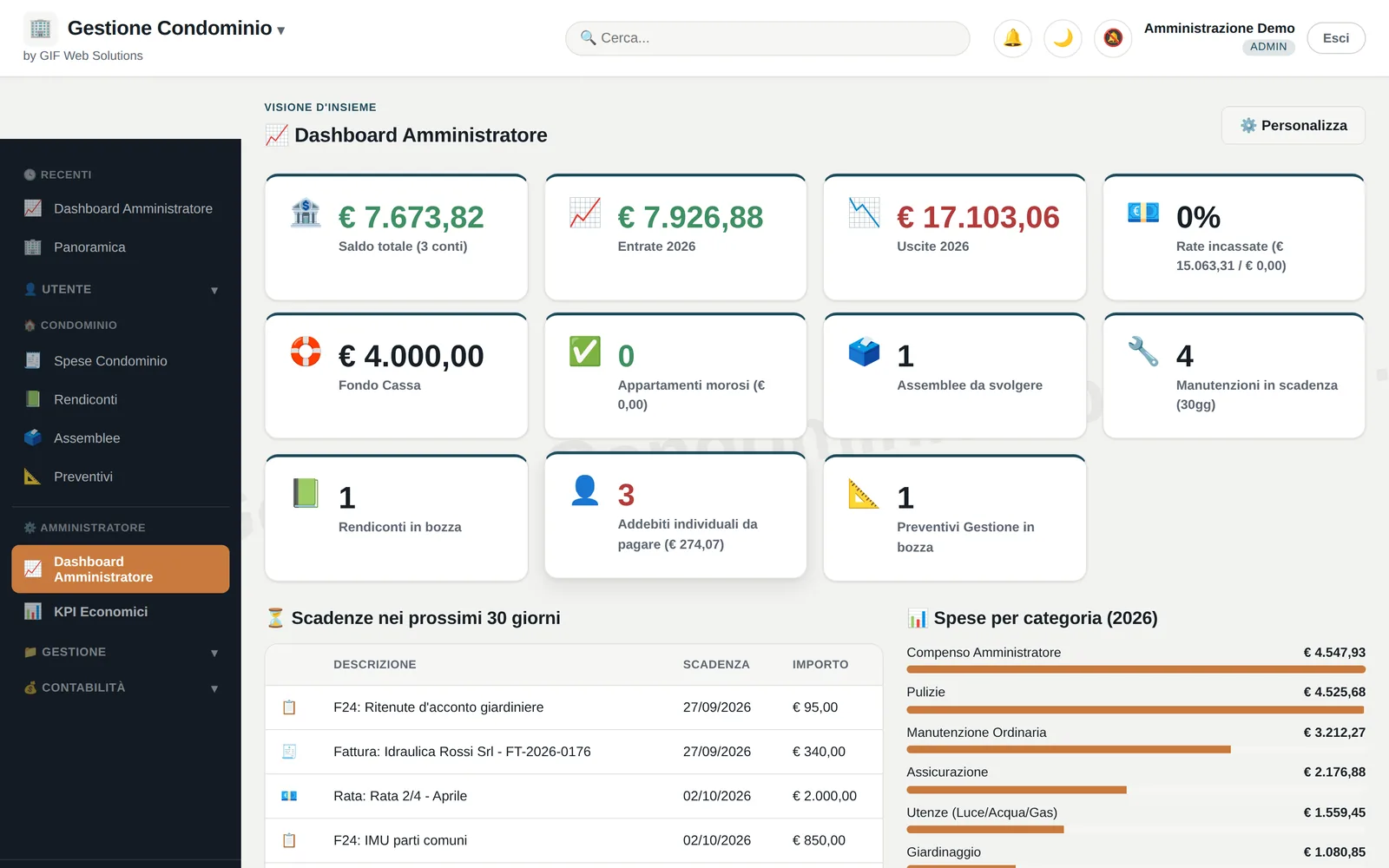
Inside
What an administrator finds in it
Several buildings
Every building in one environment
You move from one building to another from the header menu, without signing out and back in. Each building still has its own database: the records, accounts and documents of one never touch another's.
- A central registry holds the accounts and the encrypted credentials
- One database per building, ninety tables
- The connection is resolved from the server-side session, never from a client parameter
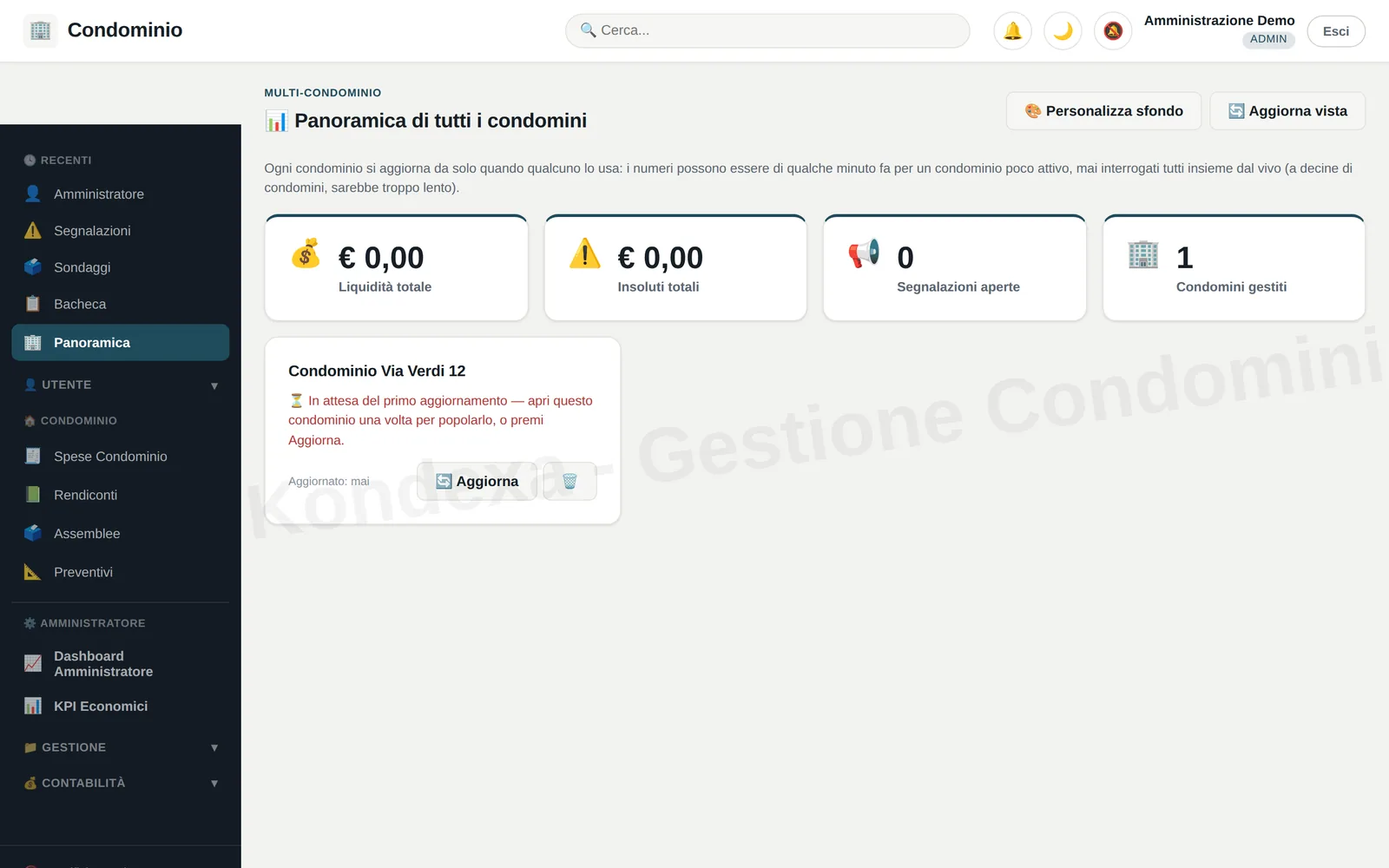
Accounting
Income, outgoings and the accounting year
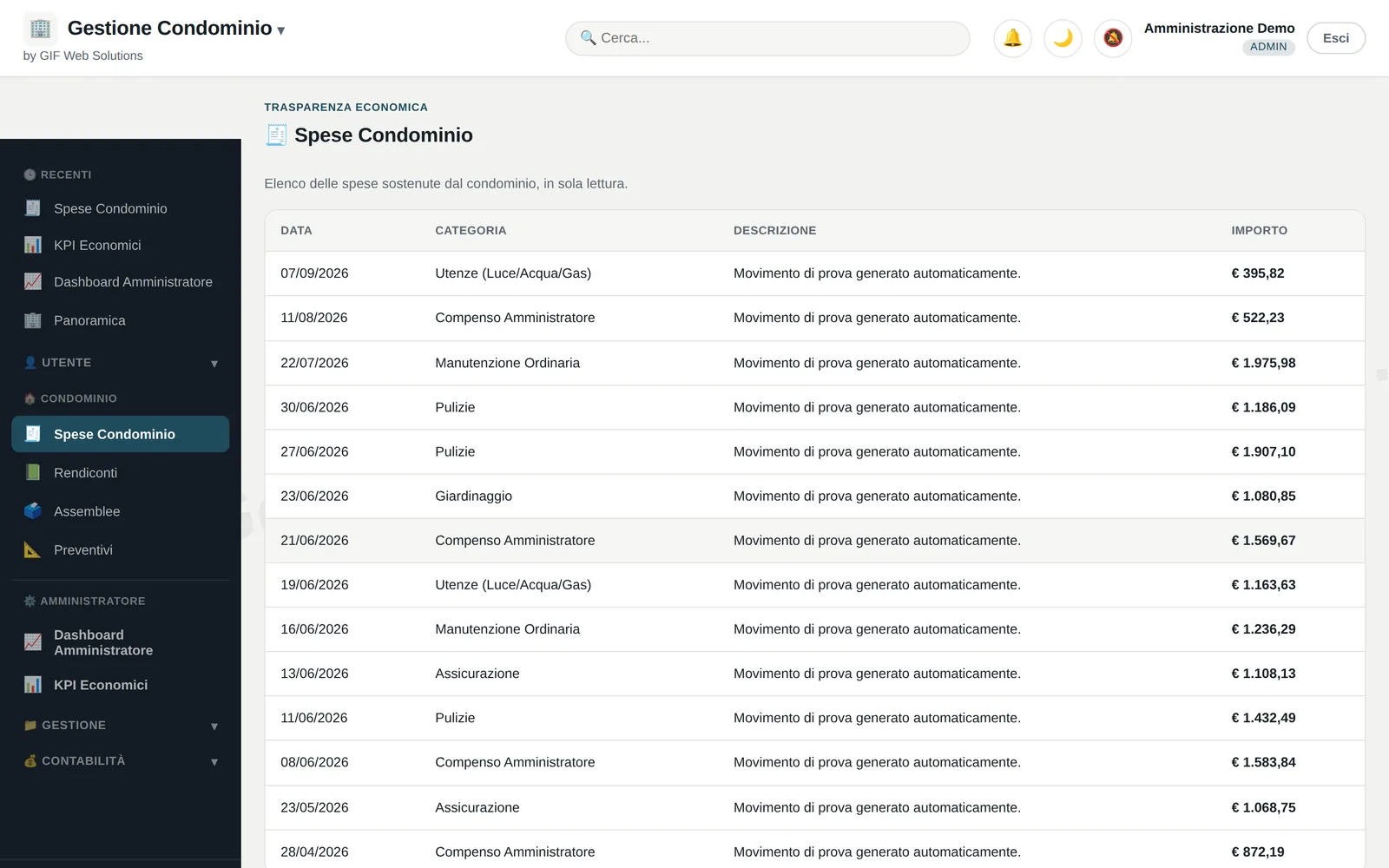
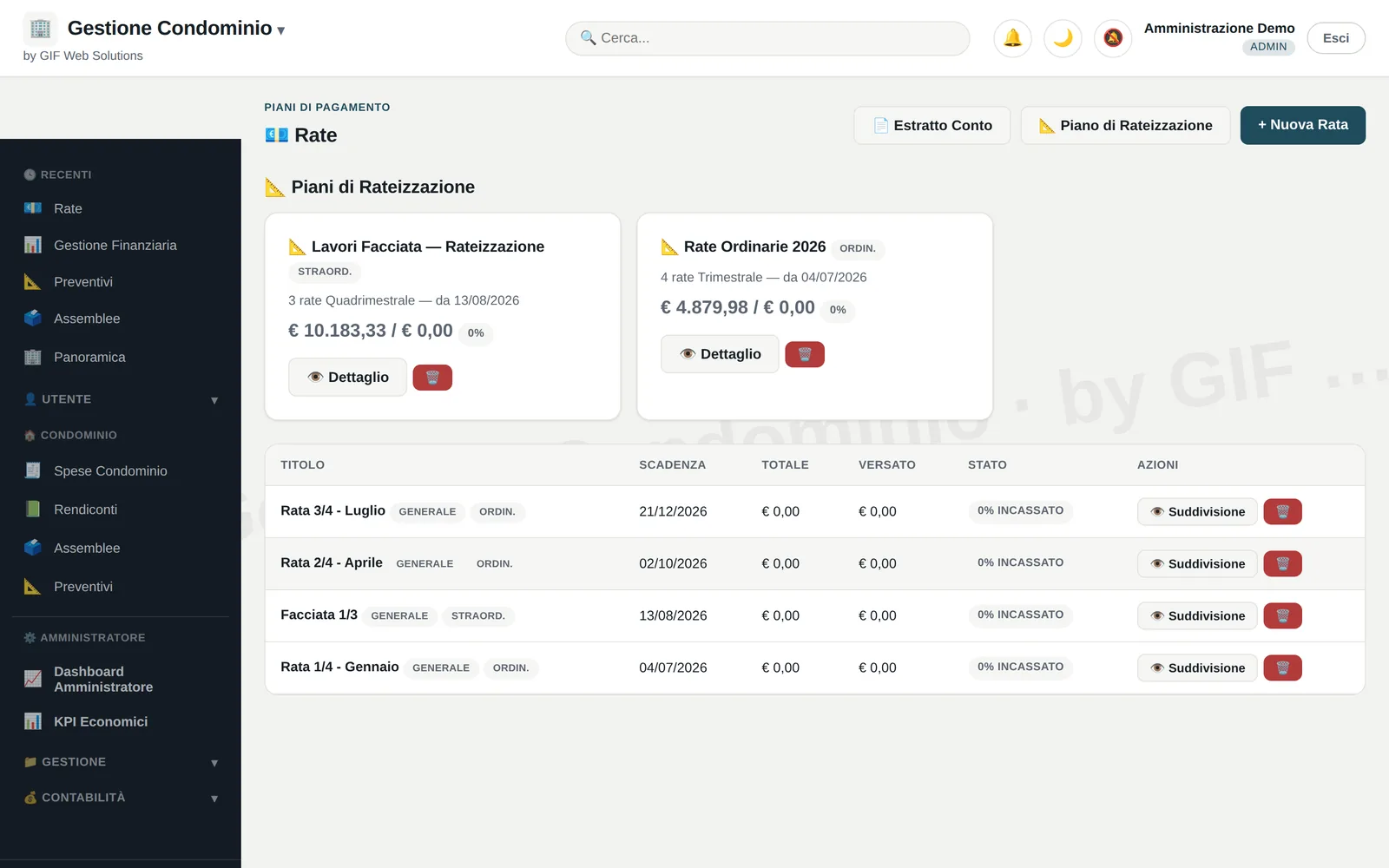
Every entry sits in its accounting year, with its description and account. Building expenses and instalment plans stay attached to the entry that produced them.
- Building expenses, item by item
- Instalment plans and owners' payments
- Bank reconciliation
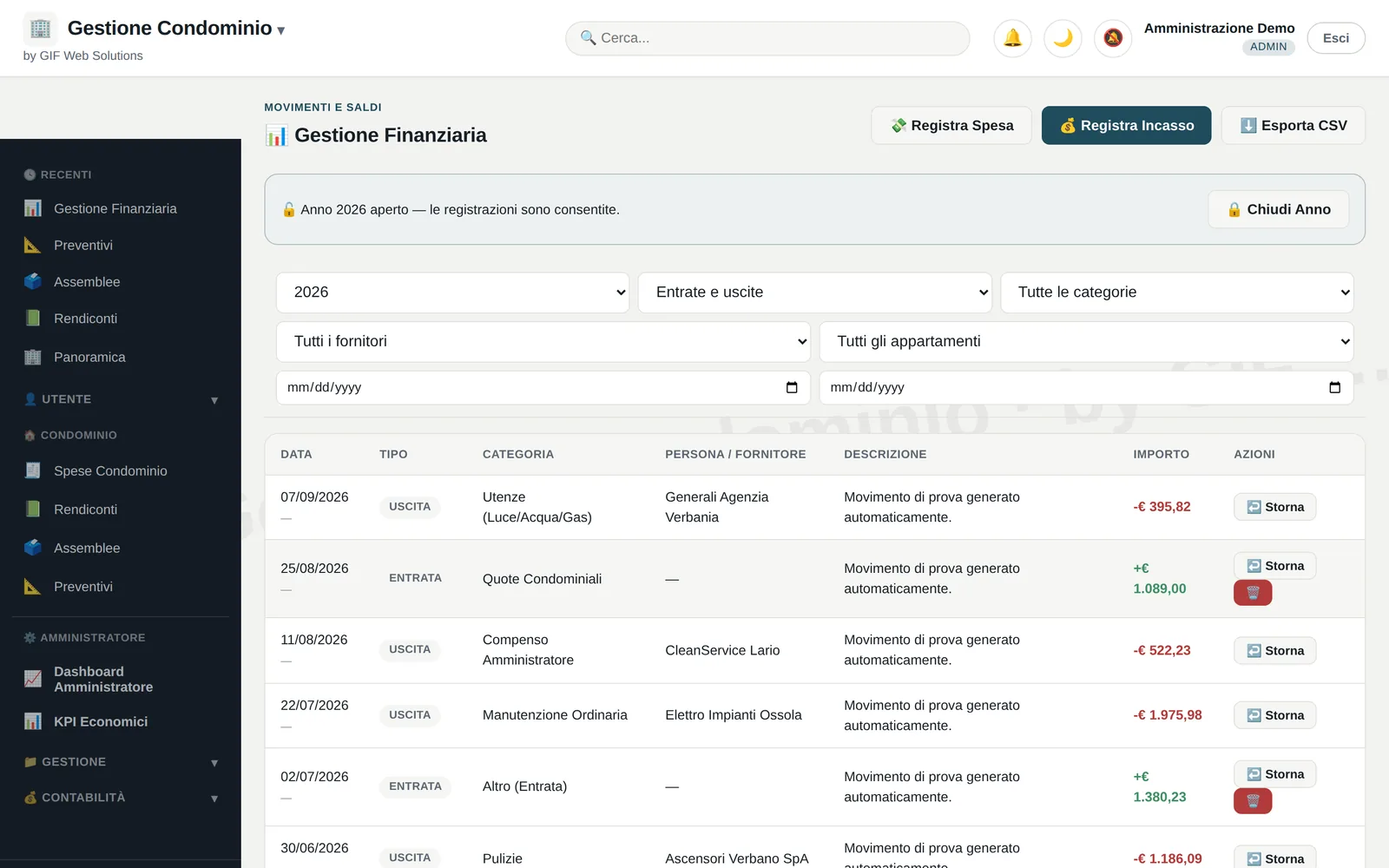
Allocation
Thousandths allocation, and the statement it produces
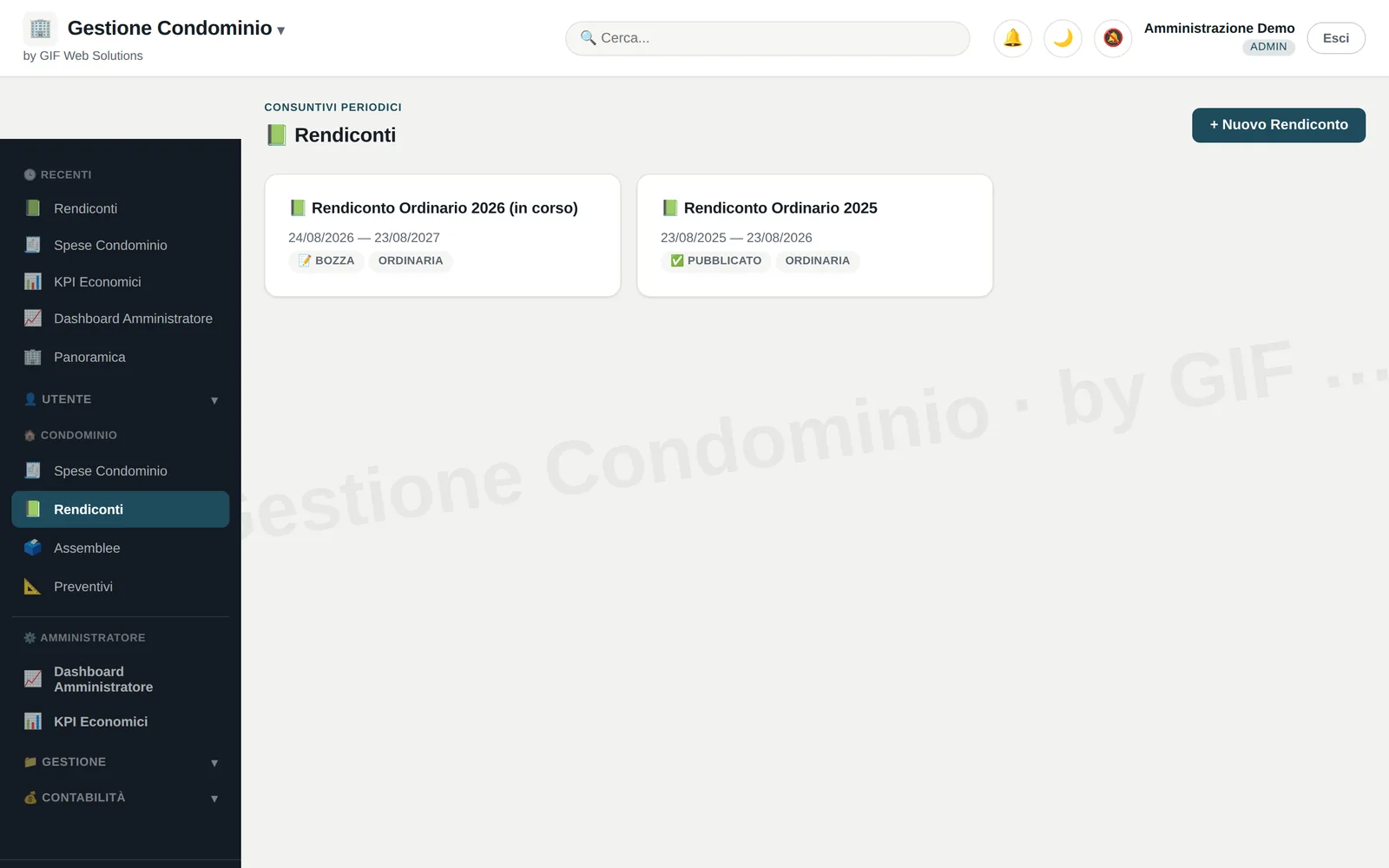
The thousandths tables are the building's data, not numbers written inside a sheet: the allocation applies them to the year's expenses and the statement comes out, first as a draft and then closed.
- Thousandths tables by criterion
- Statements in draft, and closed once they balance
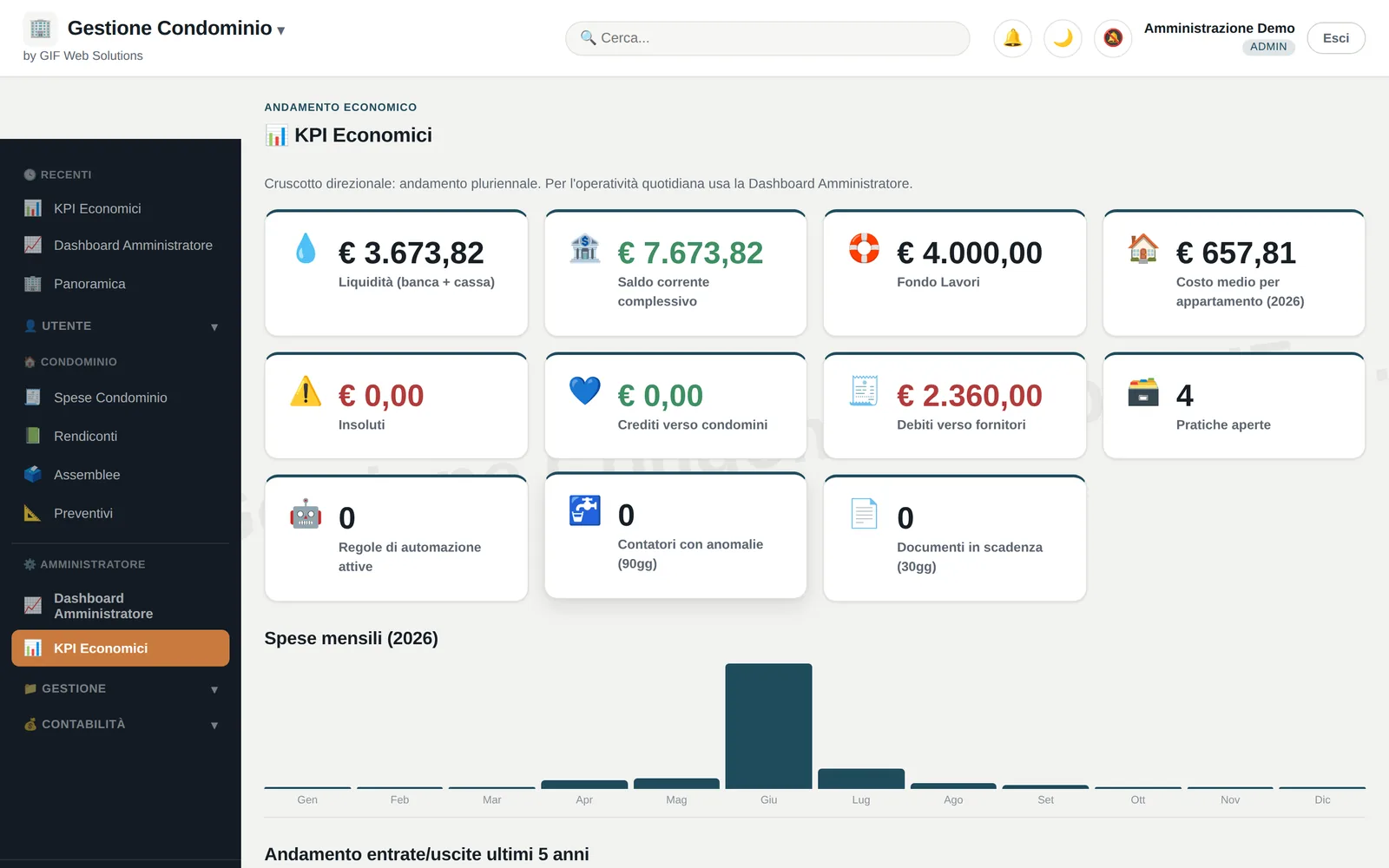
- Economic indicators over the year
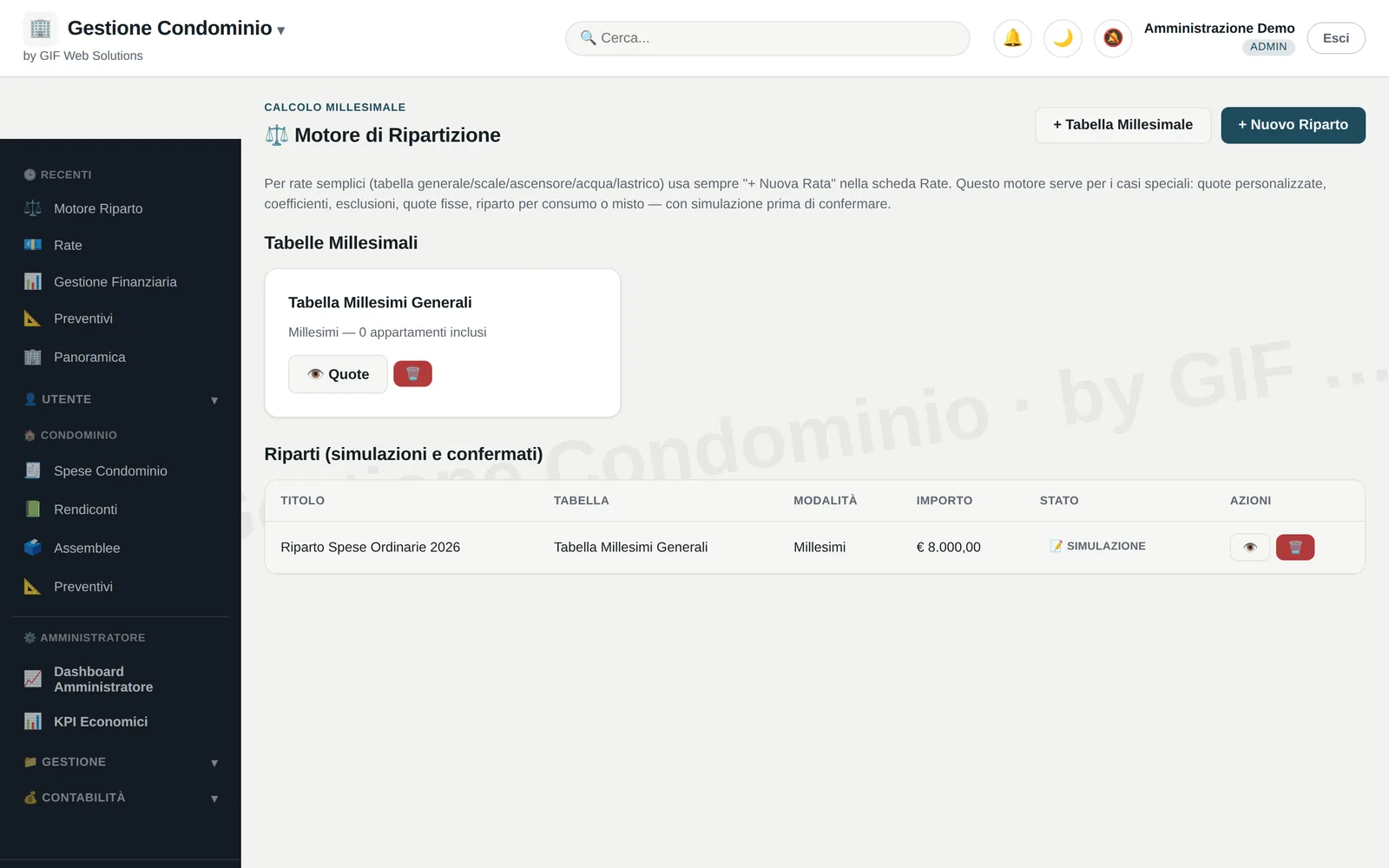
Meetings and documents
Meetings, the archive and the messages
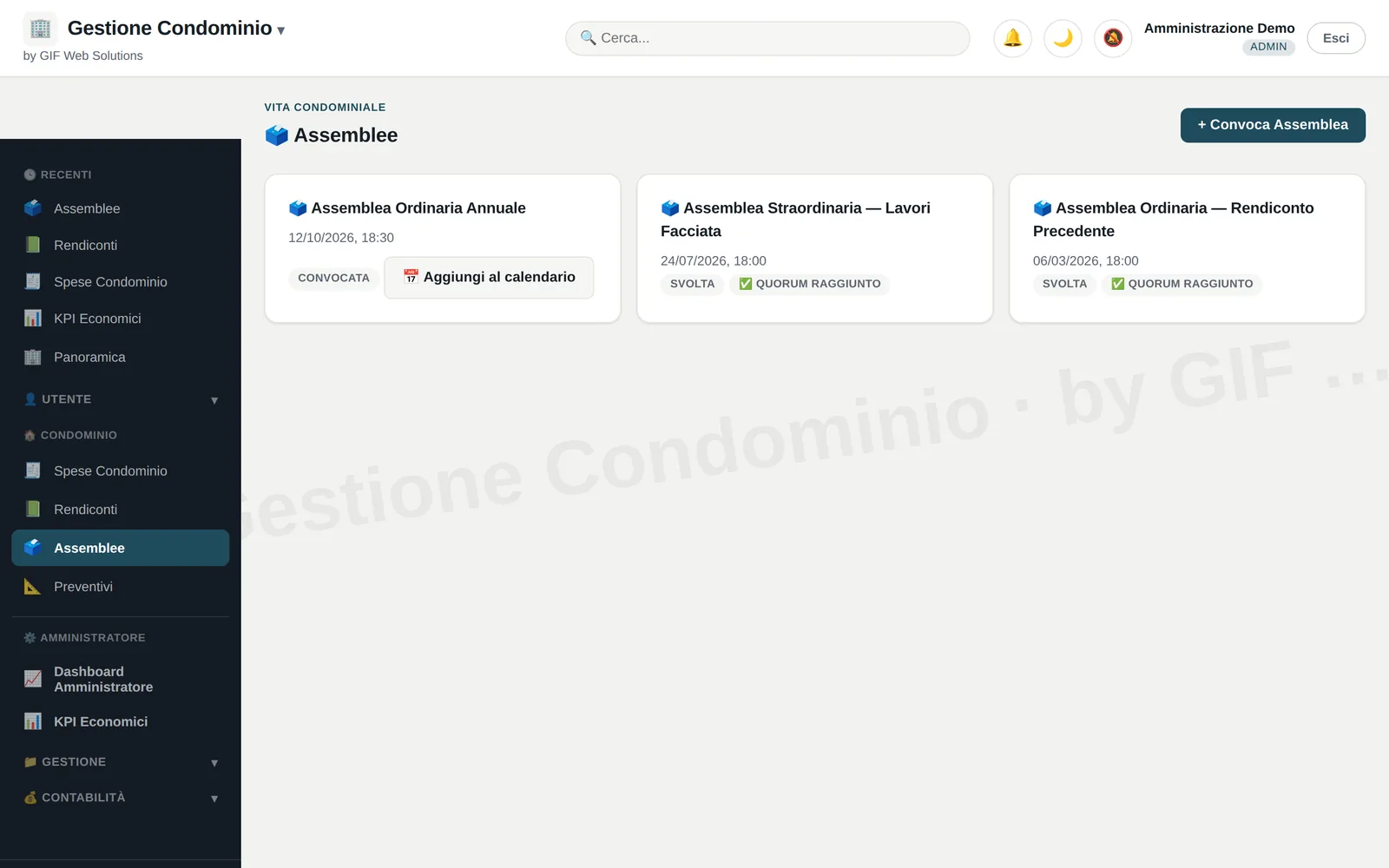
Meetings have their own calendar with the documents attached; the document store keeps the rest. Residents are written to from inside, without going through another mailbox.
- Meetings with their documents attached
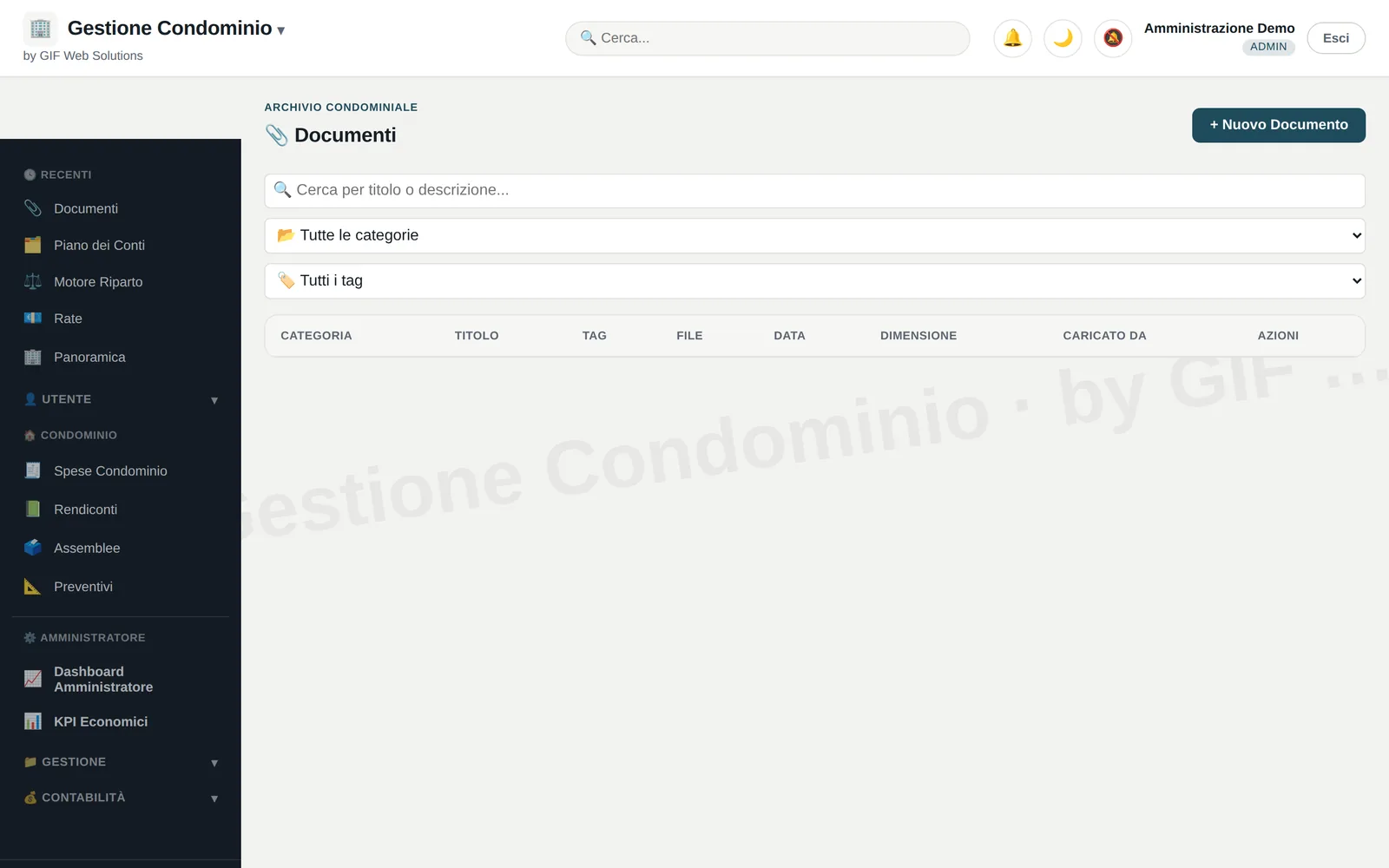
- The building's document store
- Messages to residents, e-invoicing, parking, meter reading from photos
One building never sees another. By construction.
It is not a permission someone set and someone else can unset: they are different databases, and the connection is decided from the server-side session. A parameter changed in the browser leads nowhere.
A walk through
Fifty-one seconds inside the running application, from sign-in to the overview. Test data.
Requirements
How it is put to work
PHP 8 and MySQL
PHP hosting with MySQL or MariaDB. Nothing else.
No build step
Published by uploading a folder. No package manager, nothing to download.
It works from a phone
It is a PWA: add it to the Home screen and it opens full screen, without going through a store.
The other screens
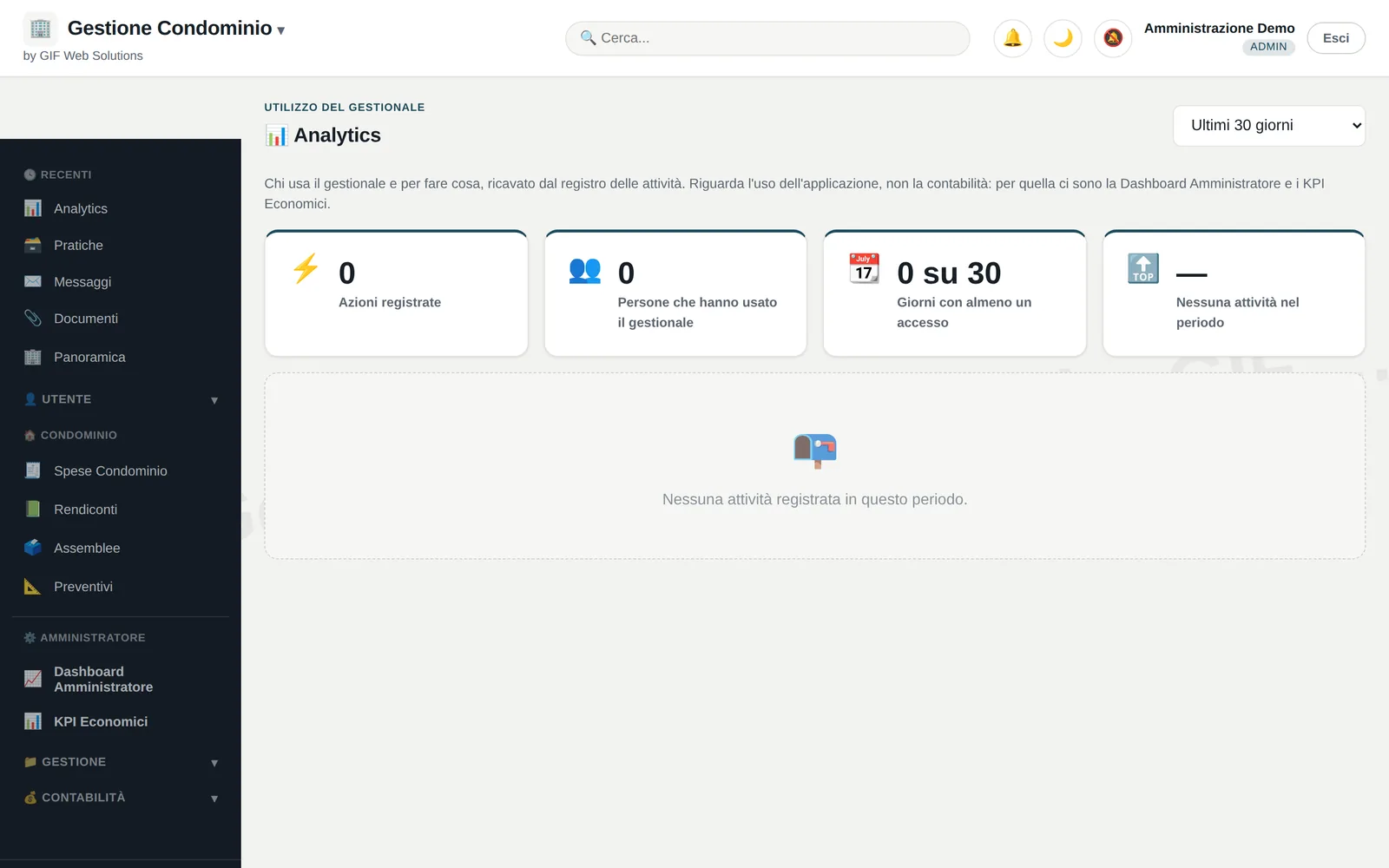
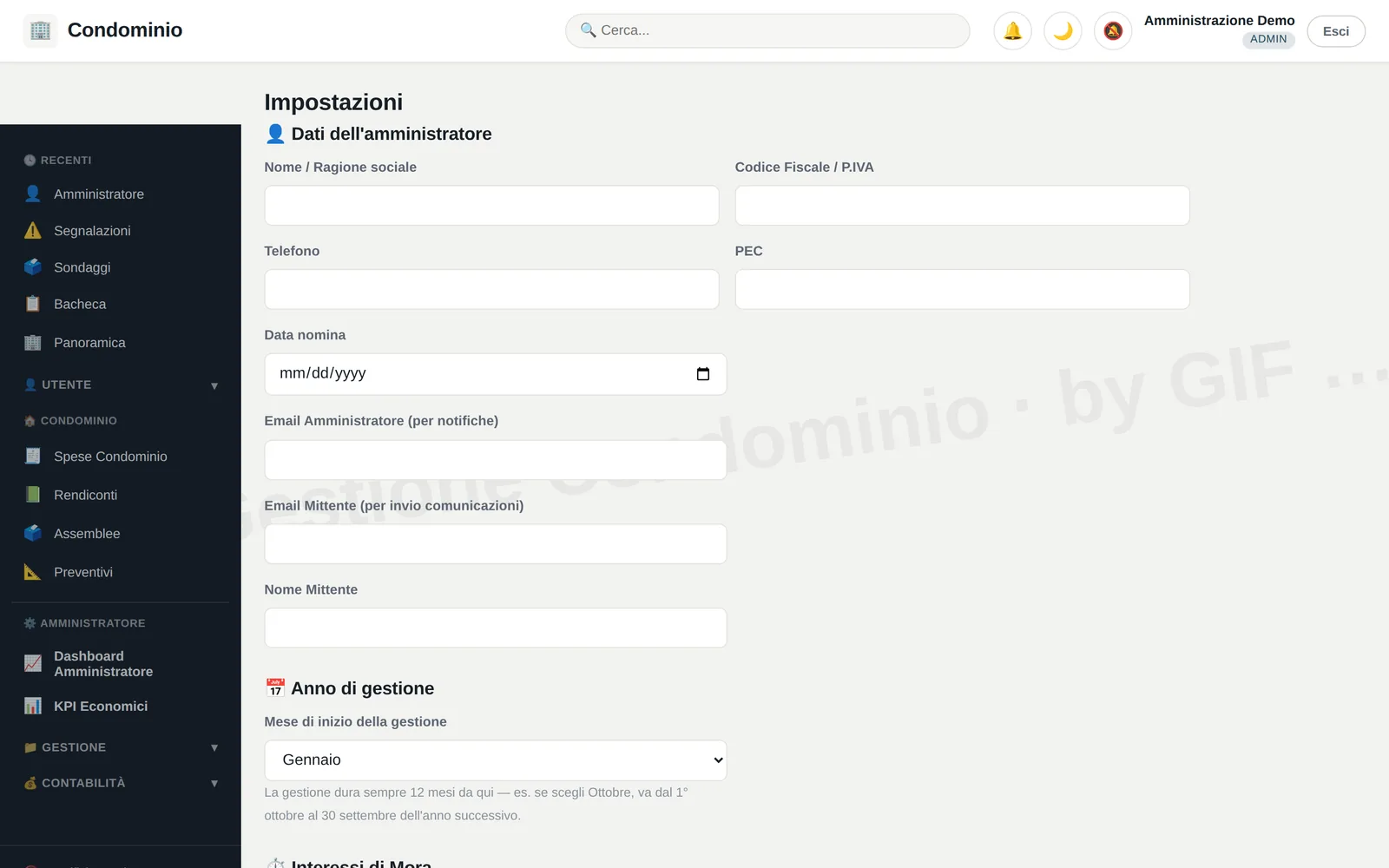
Images of the running application, with test data.
Frequently asked questions
Where is the data kept?
On the hosting of whoever uses the software. Each building has its own database, and the controller of that data is the customer, not us.
Can one administrator handle several buildings?
Yes, and that is why the central registry exists: it holds the accounts and the databases' encrypted credentials, and you move between them from the header menu.
Does anything have to be installed on the office computers?
No. It opens in a browser. On a phone you add it to the Home screen and it behaves like an application, full screen.
What hosting does it need?
PHP 8 with MySQL or MariaDB, what any shared hosting offers. There is no build step: you upload a folder.
Can it be tried first?
Yes. The demo on this site is the real application with made-up data: eighteen sections, no sign-up.
A building is an archive. This keeps it in order.
Communications, documents, accounts, instalments, meetings: the same things that live in six different places, in one place, with a record of who put them there.
Contact
Write to us
Tell us which product you are interested in and we will reply.